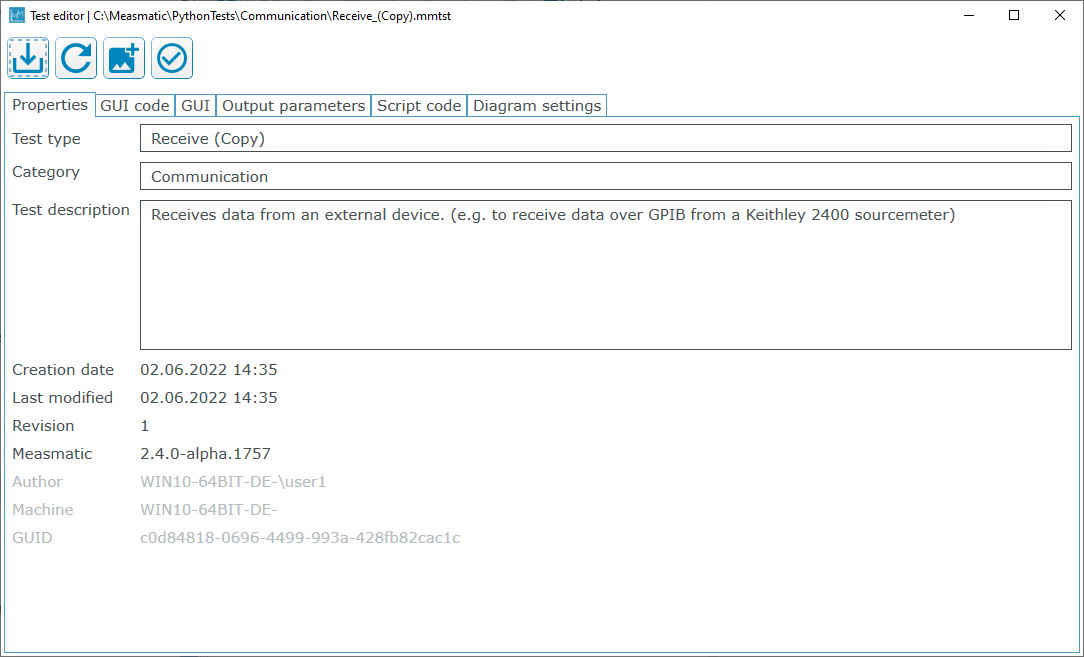
How to create a Measmatic test#
There are two options to create a new test in Measmatic. Either a test is created from scratch with an empty input user interface and no contents in the test script. Or a test can be cloned from an existing test with all UI setting an the same test script.
Creating a test from scratch#
An empty test can be created through menu Test library 
Create new test. A dialog will pop up in which the most important settings have to be made.
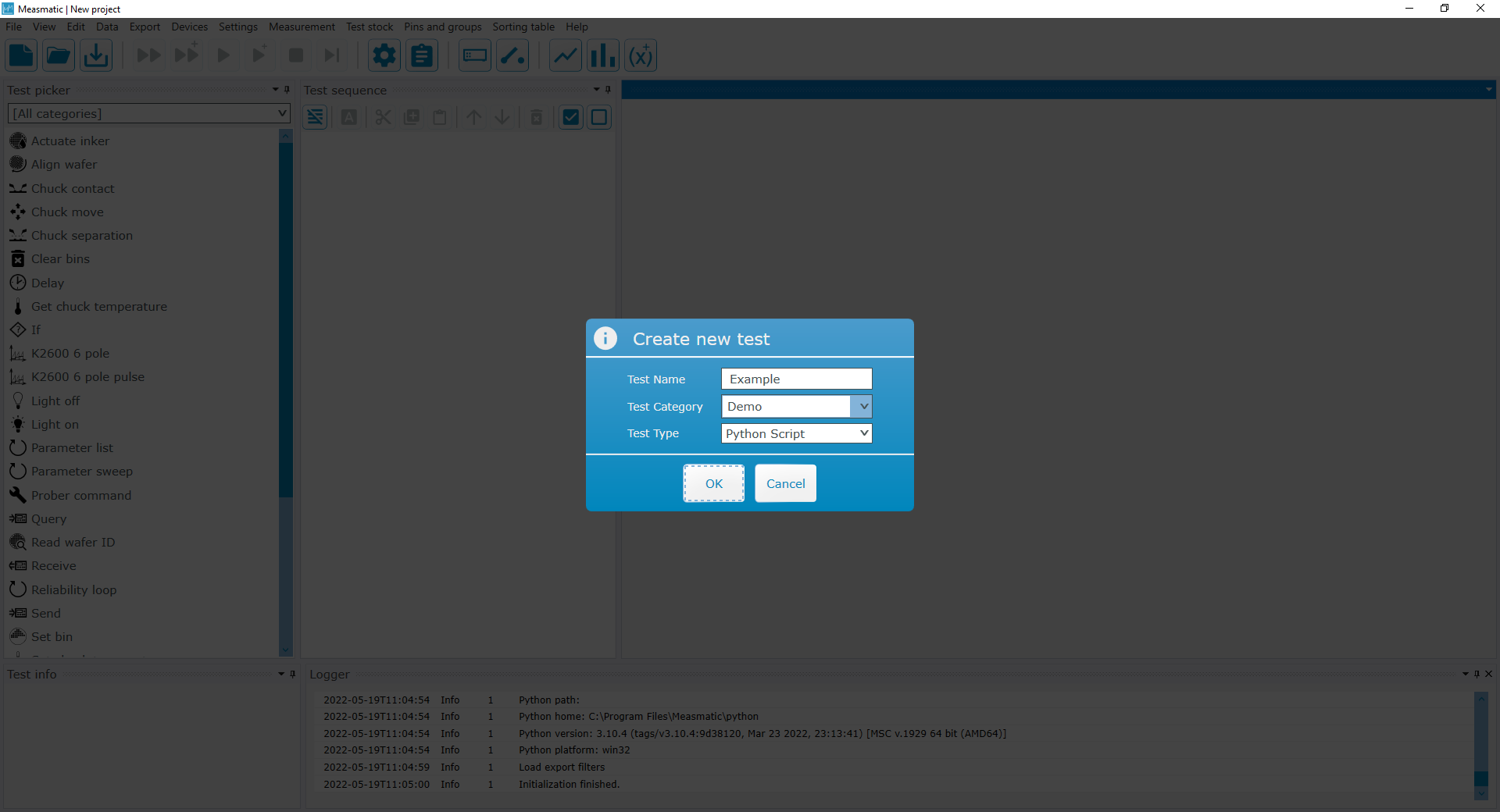
The test name and template can be chosen. The test type can be a Python script. Further information can be found on page Structure of a test script.
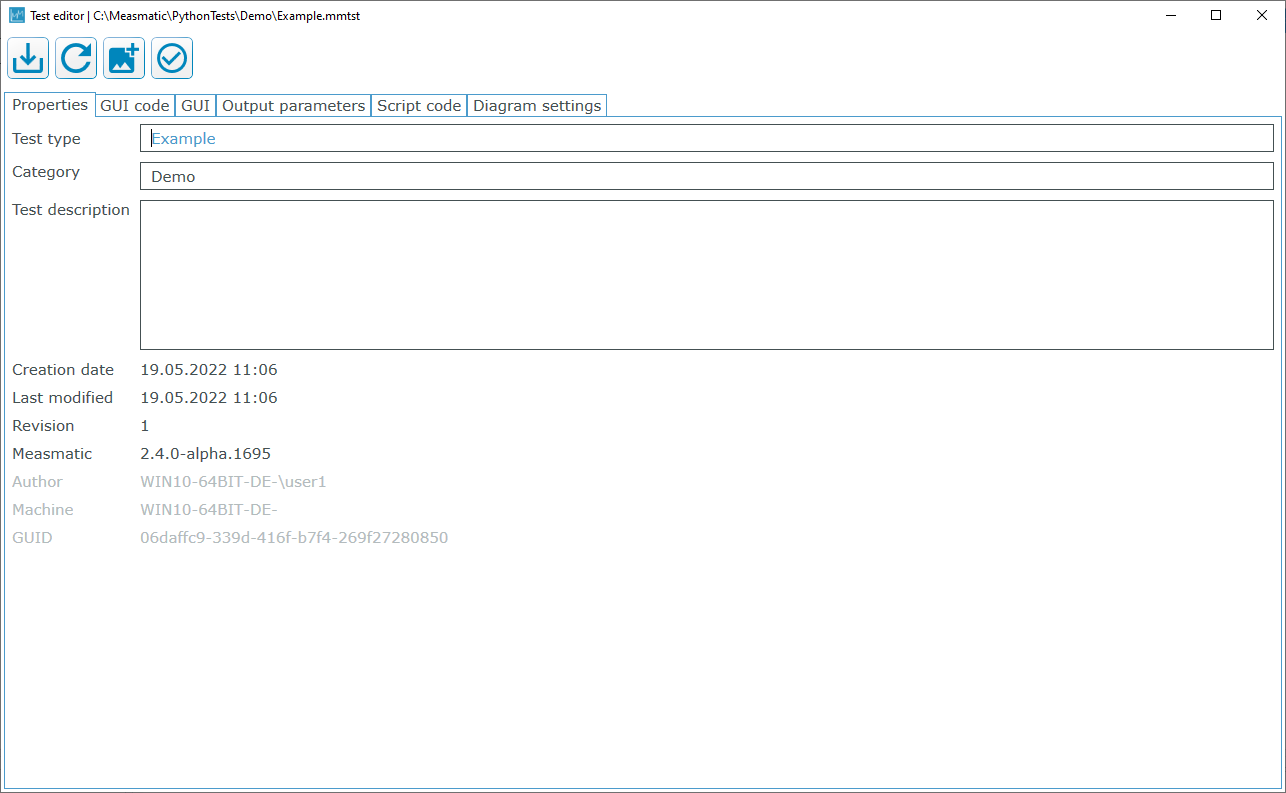
After confirming those settings the test editor in Visual Studio Code is opened.
Cloning an existing test#
By right clicking a test in the test library, the context menu opens and with a click on Duplicate test the test can be cloned.
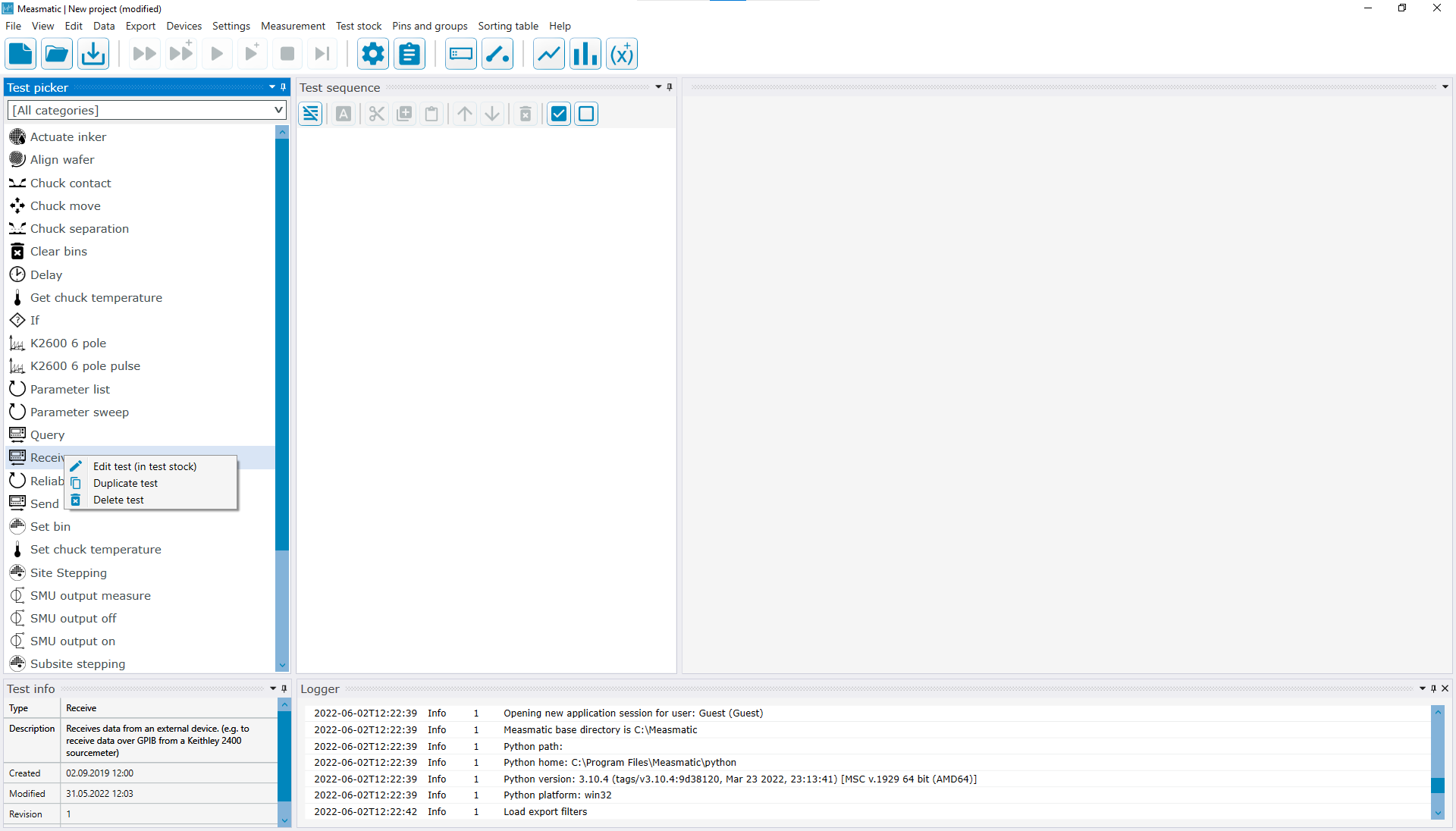
Then an exact copy of this test will be created and added to the test library.
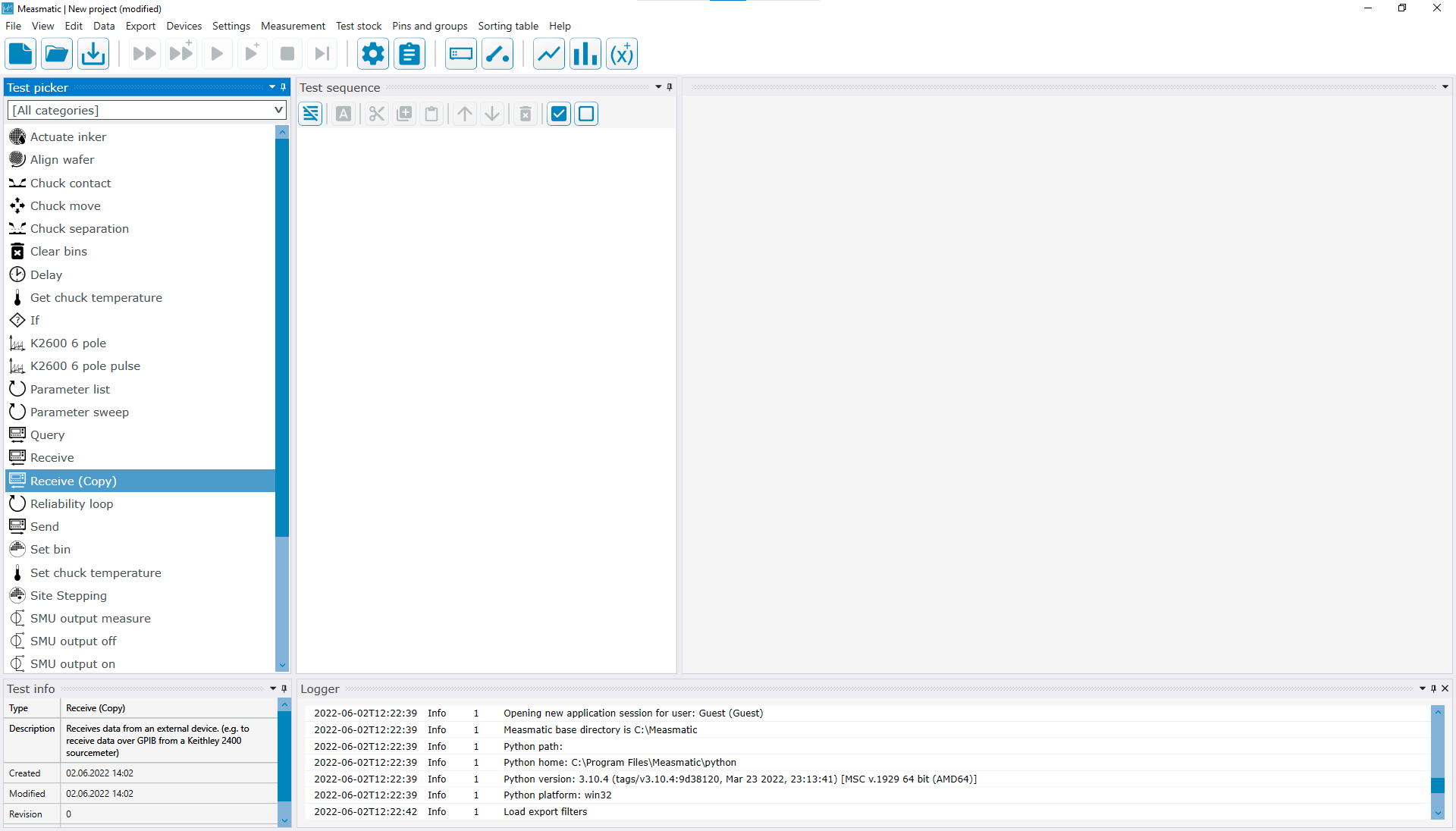
Then in the context menu of the duplicated test, the option Edit test can be chosen to open the test editor and adapt the test to individual needs.